TRP Interactive Map
The Terra Isles Interactive Crime Map is an interactive map that allows for easy viewing of postals, in-game coordinates, key locations, active calls, and historic calls in one simple interface.
The Interface
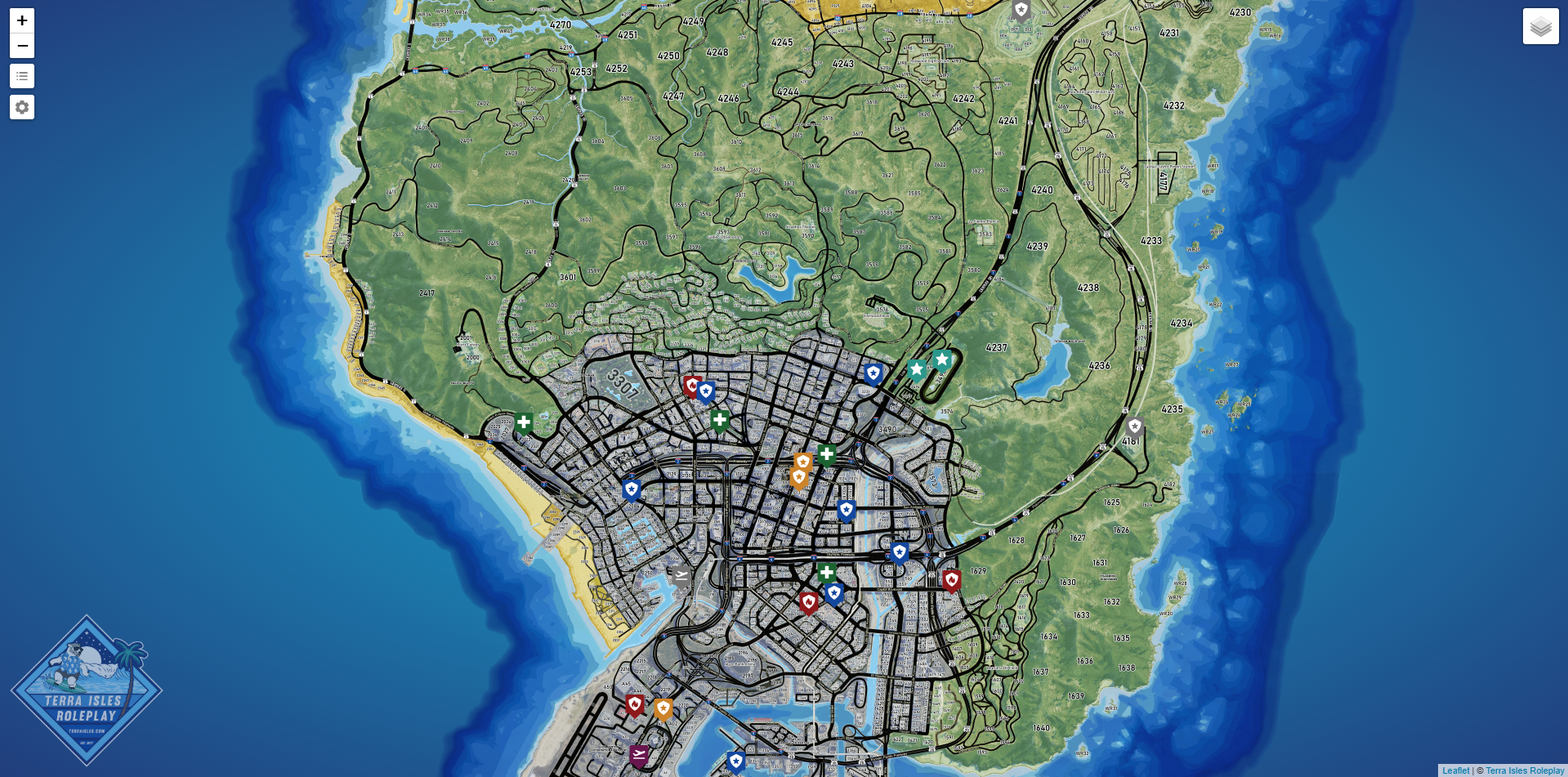
The TRP Interactive Crime Map uses the default Leaflet interface with some modifications by the Department of Development (DoD) Team.
Every 5 Minutes (unless disabled) the active call data will refresh which will show a loading screen until this process is completed. When the loading screen is shown all UI elements are unclickable. This process usually only takes a second or two.
Layers
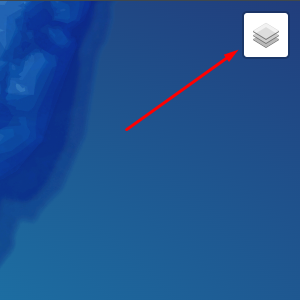
Layers can be accessed in the top-right corner of the interface.
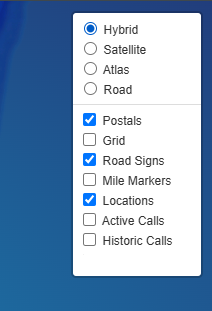
There are two kinds of layers base maps and overlays. By default the following layers on enabled:
- Hybrid Base Map
- Postals
- Road Signs
- Locations
- Active Calls
In the menu you can enable or disable any overlay you wish and switch to any base map you prefer.
Note: These settings will reset to the default if you leave or refresh the page.Legend
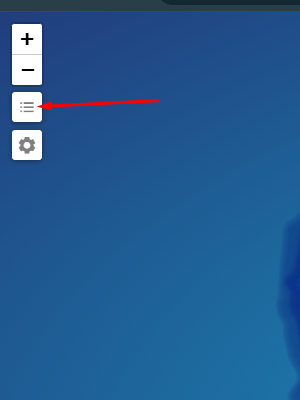
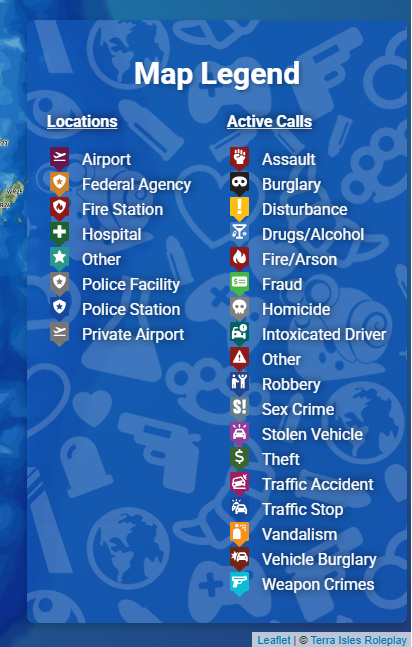
To access the icon legend, simply click the icon on the left to show/hide it.
Settings
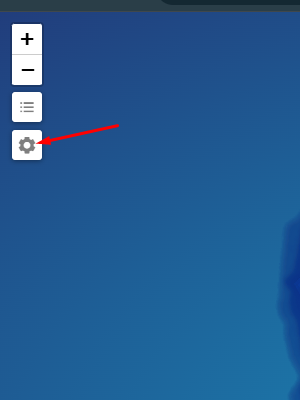
To access the settings menu, click the icon to the left to open it.
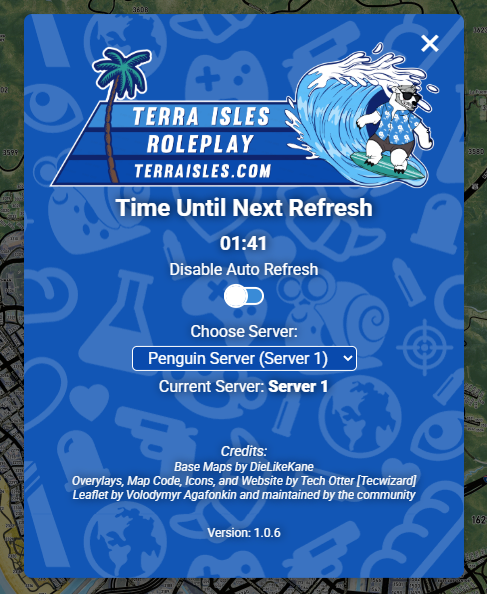
Once in the settings menu you can view the time left until the next data refresh, enable/disable auto refreshing, select which server to pull data from (default is Server 1), and enable/disable the Coordinate Probe (to be added in version 1.0.7).
Live Map (CAD)
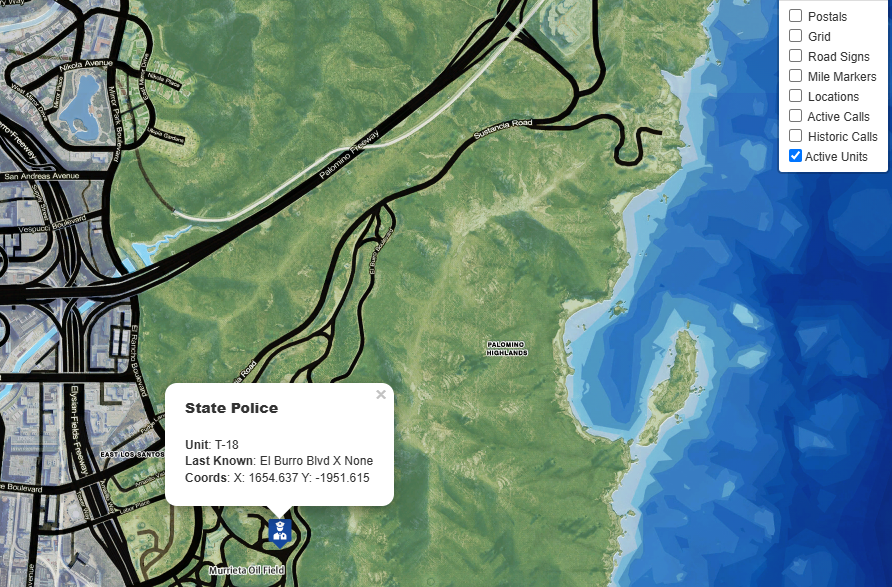
Dispatchers have access to a different version of the Crime Map which includes current unit locations to aid in dispatching nearby units to a call.
Dispatchers can access this special version of the Crime Map through Live Map button on their CAD System. You will need to login with Discord before you can view the map.
Unit locations is currently only updated every 5 Minutes. (Subject to change)